Trezor: The Small Screen That Asks for Your Consent
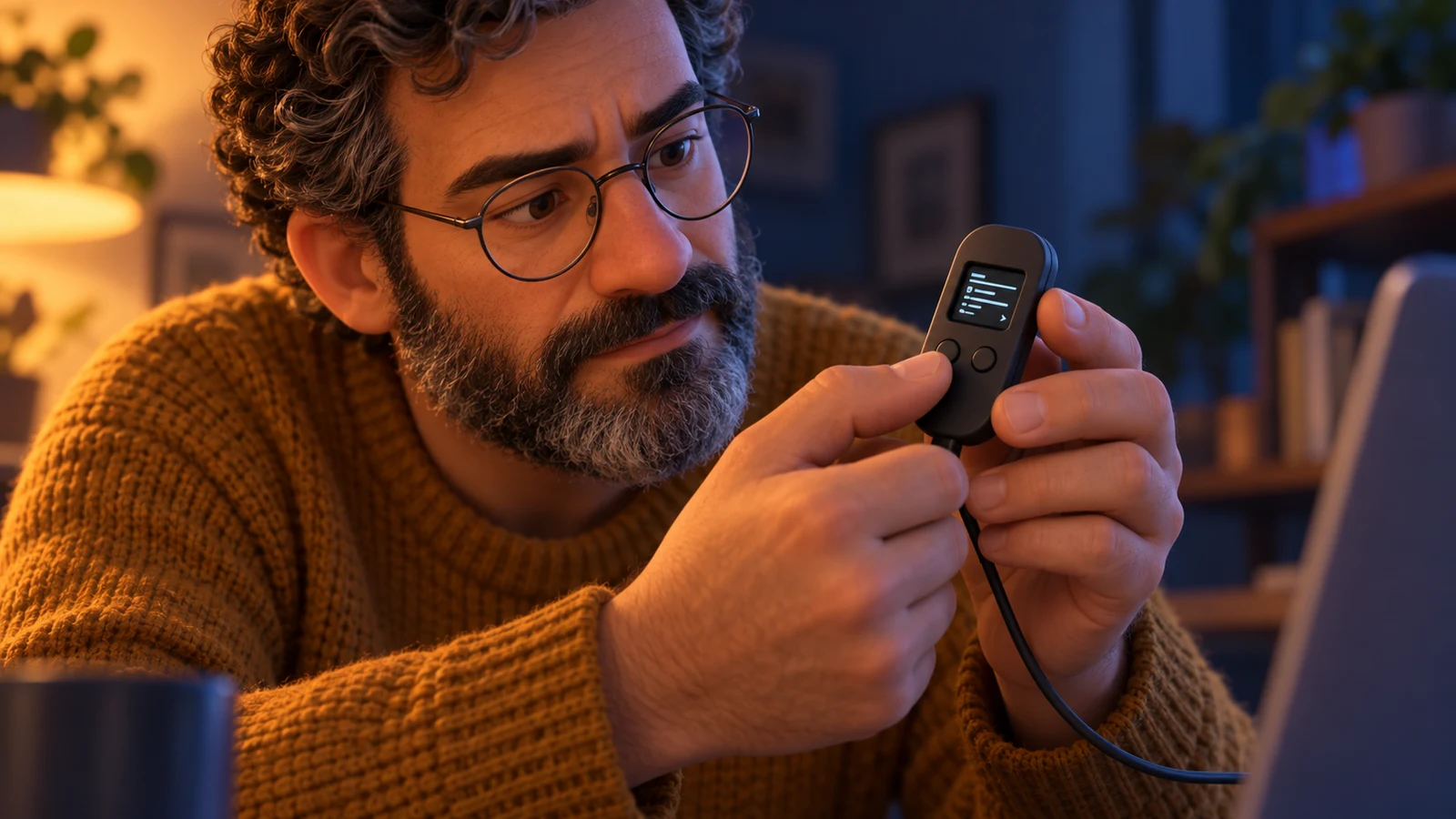
Trezor put private keys in a separate device. Its more visible idea was a small screen and a physical button: a place where the owner could check what the computer was asking them to sign.
3-Minute Fast Briefing
- The ParadoxTrezor dates the Model One’s official launch to July 29, 2014; early prototypes already combined a screen, buttons and USB.
- The Turning PointA hardware wallet signs inside the device. Its display gives the owner a separate place to inspect the proposed transaction.
- The LegacyChecking the device can reveal changed details, but it cannot establish that the intended recipient is trustworthy or protect a disclosed backup.
Chronological Timeline
Trezor’s anniversary history identifies the official launch of its first product.
Firmware 1.3.0 adds visual validation of receiving addresses, a distinct feature from approving a payment.
A computer with fewer jobs
In Trezor’s account of its early prototypes, the essential parts were already there: a display, two buttons and a USB port attached to a Raspberry Pi. Pavol “Stick” Rusnák and Marek “Slush” Palatinus were developing a small computer with a narrow job. It would keep private keys apart from the general-purpose machine used to manage a wallet. The company dates the Model One’s official launch to July 29, 2014.[1]
That separation changes what the object in your hand contains. Bitcoin does not move into a plastic case. The blockchain records the spendable outputs; the device holds the secret material needed to authorize spending. Trezor’s documented design sends transaction information into the device and returns a signed transaction to the connected computer for broadcast. The normal signing process does not require exporting the private key.[2]
The button comes after the reading
Keeping a secret out of a computer does not settle what that computer should be allowed to request. A compromised application could propose a payment to a different address. If a device simply signed every request, the key could stay hidden while the money still went somewhere the owner had not intended. The screen exists to make that proposed action inspectable before approval.[3][4]
Trezor’s Bitcoin signing documentation describes the device asking the host for transaction data and asking the user to confirm destinations, fees and the total being sent. The Model One’s own display and two physical buttons provide a separate channel for this exchange. In this ordinary payment flow, the person is part of the authorization process: read the details, compare them with the intended payment, then confirm.[3][6]
Sending and receiving are different checks
The history of the software helps keep the story precise. The legacy firmware changelog records visual validation of receiving addresses as an addition in version 1.3.0, in December 2014. That feature should not be casually projected backward onto every earlier device demonstration. Approving an outgoing transaction and verifying an address used to receive funds are related uses of the screen, but they are not the same operation.[5]
For receiving, the comparison asks whether the address shown by the computer matches one generated by the wallet. For sending, it asks whether the device is about to sign the destination and amount the user intended. Trezor’s display guide makes a further distinction: the device can show the address it is using, but it cannot determine whether an address supplied by somebody else belongs to the right person. A faithful display cannot resolve a dishonest request.[4]
What stays outside the device
The backup is another boundary. Trezor’s documentation explains that a wallet can be recovered if the device is lost, because the backup can recreate access. The same property means somebody with the necessary backup information may access the wallet without possessing the original device. Protecting the signing hardware and protecting recovery material are connected responsibilities, not interchangeable ones.[2]
The Model One’s small screen made a cryptographic operation into something a person could review. It did not remove trust in hardware and software, or the need to judge a recipient. Its enduring idea is more specific: let the computer prepare the request, keep the signing key in a separate place, and give the owner a final opportunity to check the action. The button matters because there is something meaningful to read before pressing it.[1][3][4]
Connected Stories in this Universe
Explore the chain reaction of historical breakthroughs, blunders, and legends.

Slush Pool: Sharing the Wait for a Bitcoin Block
An easier proof of work let small miners share a reward without making Bitcoin easier to mine.
Read story →
Two Guesses Left: The 7,002 Bitcoins Locked Inside an IronKey
Two password attempts remaining before hundreds of millions of dollars are permanently erased — the psychological torment of programmer Stefan Thomas.
Read story →Sources & References
- [1]Source 1: Trezor’s tenth-anniversary historyTrezor · 2024-07-29Accessed 2026-09-19
- [2]Source 2: Hardware wallet: keys, signing and backupTrezorAccessed 2026-09-19
- [3]Source 3: Bitcoin signing flowTrezor firmware documentationAccessed 2026-09-19
- [4]Source 4: Trusted Display: what a screen can verifyTrezorAccessed 2026-09-19
- [5]Source 5: Legacy firmware changelog: December 2014Trezor / GitHubAccessed 2026-09-19
- [6]Source 6: Model One: screen and physical buttonsTrezorAccessed 2026-09-19